
Computer Design Hacks for Professionals
Designing on a computer isn’t just about creativity. It’s about precision, adaptability, and efficiency. Whether you’re crafting UI layouts, branding assets, or 3D visualizations, a few professional design hacks can shave hours off your workflow and elevate your output from decent to dazzling.
Let’s dive into a curated selection of expert computer tips and pro level solutions that will help you unlock the full potential of your digital design toolkit.
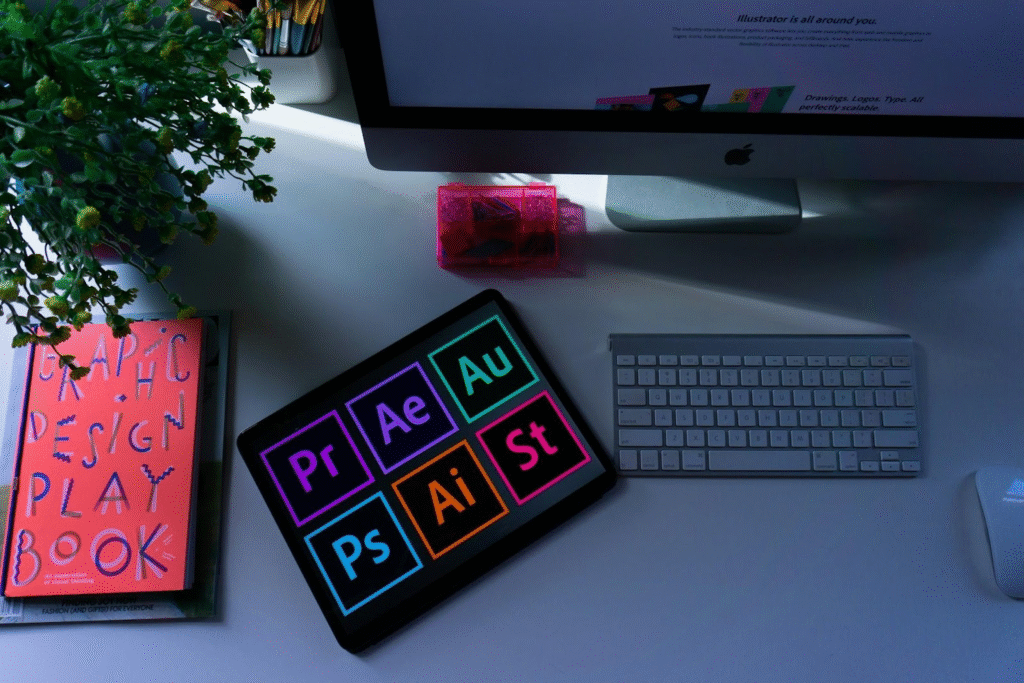
1. Master Your Workspace with Custom Shortcuts
One of the fastest ways to accelerate your workflow is to create personalized keyboard shortcuts. Most design software, from Adobe Creative Suite to Sketch and Figma, allows full customization. Set shortcuts for repetitive tasks like aligning layers, duplicating objects, or toggling grids.
Save time, reduce wrist strain, and maintain your creative flow without constantly reaching for your mouse. It’s one of those advanced design methods that seems simple but pays massive dividends.
2. Leverage Grids and Golden Ratios
Design isn’t arbitrary. The human eye craves balance, and nothing creates harmony like structured layout systems. Use baseline grids, modular grids, or even Fibonacci proportions to guide spacing and composition.
Professional designers swear by golden ratio overlays to create natural, aesthetically pleasing designs. This technique adds a level of polish that immediately stands out. For those working in web or UI design, plug-ins that generate proportional grids can provide the underlying structure for seamless responsiveness.
3. Embrace High-Fidelity Mockups Early
Don’t get too comfortable in the wireframe stage. Once the bones are in place, move to high-fidelity mockups faster than you think you should. Why? Clients and stakeholders respond better to polished visuals, and you’ll quickly uncover visual inconsistencies that might hide in grayscale drafts.
Using real imagery and typefaces in early concepts also helps streamline the transition into development. This is a pro level solution that minimizes rework and maximizes impact.
4. Use Color Theory Like a Scientist
Intuition is helpful, but science gives it structure. Use tools like Adobe Color, Coolors, or Paletton to generate dynamic color palettes based on principles like complementary or triadic color theory. Want something a bit offbeat? Try analogous schemes with high saturation and low brightness for a vibrant, punchy feel.
If you work with brand guidelines, integrate those brand colors with calculated neutrals and accent tones. This controlled approach leads to more cohesive and professional results.
5. Smart Object Mastery in Photoshop
If you use Photoshop, smart objects are your best friends. They allow non-destructive edits, scalable elements, and efficient file linking. You can update one object across multiple files by simply replacing the source file.
This is not just convenient, it’s one of those professional design hacks that transforms large projects into manageable ones. Particularly useful for branding systems or packaging templates with multiple SKUs.
6. Use Vector-Based Everything
Raster images can blur or pixelate, especially when scaling is involved. Whenever possible, design using vector elements. Tools like Illustrator, Figma, and Affinity Designer are designed for clean, infinitely scalable graphics.
Working in vectors isn’t just smart. It’s strategic. Clients might come back months later asking for a banner, a poster, or even a billboard. With vectors, you’re always ready to deliver razor-sharp results.
7. Utilize Cloud Libraries and Asset Linking
One of the most underrated expert computer tips is to use shared libraries in Adobe Creative Cloud or Figma. These tools allow real-time collaboration, version control, and universal updates. When working in teams, linked assets ensure brand consistency and eliminate the “which version is the latest?” chaos.
This method saves time and fosters harmony across teams, departments, and deliverables.
8. Automate Repetitive Tasks with Scripts and Actions
Are you resizing 100 images? Applying the same filter over and over? It’s time to automate. Photoshop’s Actions, Illustrator’s Scripts, and even web-based tools like Zapier can do the heavy lifting.
Automation isn’t just efficient, it’s strategic. It frees up mental space for the truly creative aspects of your work.
9. Design for Real-World Constraints
Great design doesn’t just look good on screen. It functions in real life. Whether it’s designing for different screen sizes, print specs, or accessibility guidelines, always factor in the end user’s experience.
Test colors for color blindness compatibility. Check font sizes for legibility. Optimize files for different formats and platforms. This holistic mindset separates hobbyists from seasoned professionals.
10. Never Stop Iterating
Even with the best tools, the best instincts, and the sharpest skills, there’s always room to iterate. Revisit your designs with fresh eyes after a break. Get peer reviews. Compare multiple versions.
Iteration isn’t just revision. It’s evolution. Incorporating this habit will sharpen your design eye over time and help you consistently deliver high-impact results.


